
With SecurLock you have the ability to protect your cards
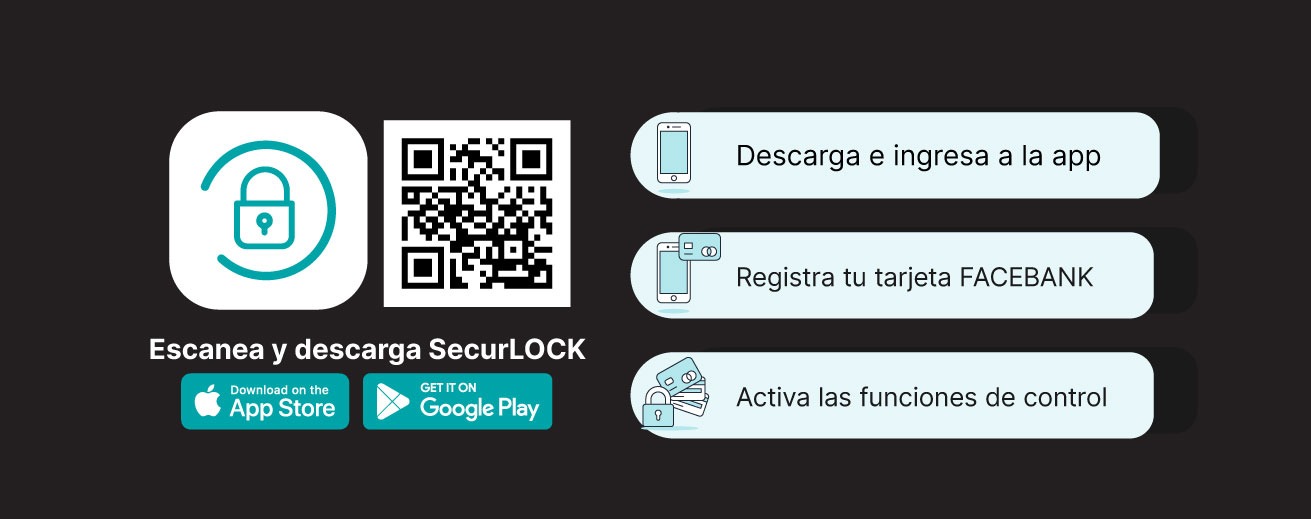
FACEBANK offers you this application, which allows you to protect your cards quickly, securely, and free of charge!
Keep your FACEBANK cards secure and receive instant notifications every time your cards are used.
How to use the app
Benefits
Upon installation and set up with SecurLock you will be able to
FAQs
SecureLock is a mobile app which grants the user the ability to control how, when and where your debit cards can be used. It is the easiest and secure way to monitor your cards’ transactions.
To use SecureLock you must have an active FACEBANK credit or debit card and a smartphone (Android or iOS). Once you have downloaded the app, you must enter your card number and personal information to complete the registration process.
They are compatible with Android devices – version 4.1 or later – and Apple (iOS) devices, including models 4S, 5, 5C, 5S, 6, and 6 Plus running iOS versions 6, 7, or 8, as well as all future devices and releases.
After downloading the application, you must enter your full card number and authentication information. Once registered, you can begin using the application.
Click here if you have an iPhone to download the app. Apple.
Click here if you have an Android device to download the app. Google Play store.
The app is completely free with no hidden fees.
As many FACEBANK cards as you want.
It is required to provide your email address in case you need to reset your password or if you forgot your username.
You can start using the service immediately. By toggling the small green button in the upper right corner of the card image, it will turn red. This means that all transactions will be declined (except recurring transactions). When you are ready to make a purchase, simply turn the button back on. It’s that easy. You can activate and deactivate your card according to your convenience and needs.
Selectively enable controls and alerts by channel (in-store, online, mobile, ATM, etc.). You can also set transaction spending limits, choose geographic locations where the card can be used, define specific merchant categories, view recent transaction history, receive real-time alerts, and much more.
It is ideal for managing corporate cards, college students, and individual users!
It is a notification sent to your phone every time you use any of your registered cards. You may choose to receive a notification for every transaction, payment reminders or preferred transactions. The alerts can be set up using the SecurLock’s notification preferences within the app.
Changes will become effective Immediately after changing your settings. Remember to save every time you make changes!
To log out just press the three-lined icon on the top right of the application and press log out.
The SecureLock requires a password to access the app. Additionally, no sensitive information is stored in your phone. It only saves the last 4 digits of your cards.
Yes, you should still notify FACEBANK prior to any trips to avoid any inconvenience. SecureLock does not replace the process. To notify us of any future travels, call us using any of the numbers listed at the bottom of the page.
 Scan the QR code with your phone and download “Tu Cuenta Dolar FACEBANK.” Complete your application in minutes, and we’ll get back to you as soon as possible.*

 Equal Housing Lender